
Elementor v4.3 Beta and MCP: Why This Is the Biggest Turning Point in WordPress History
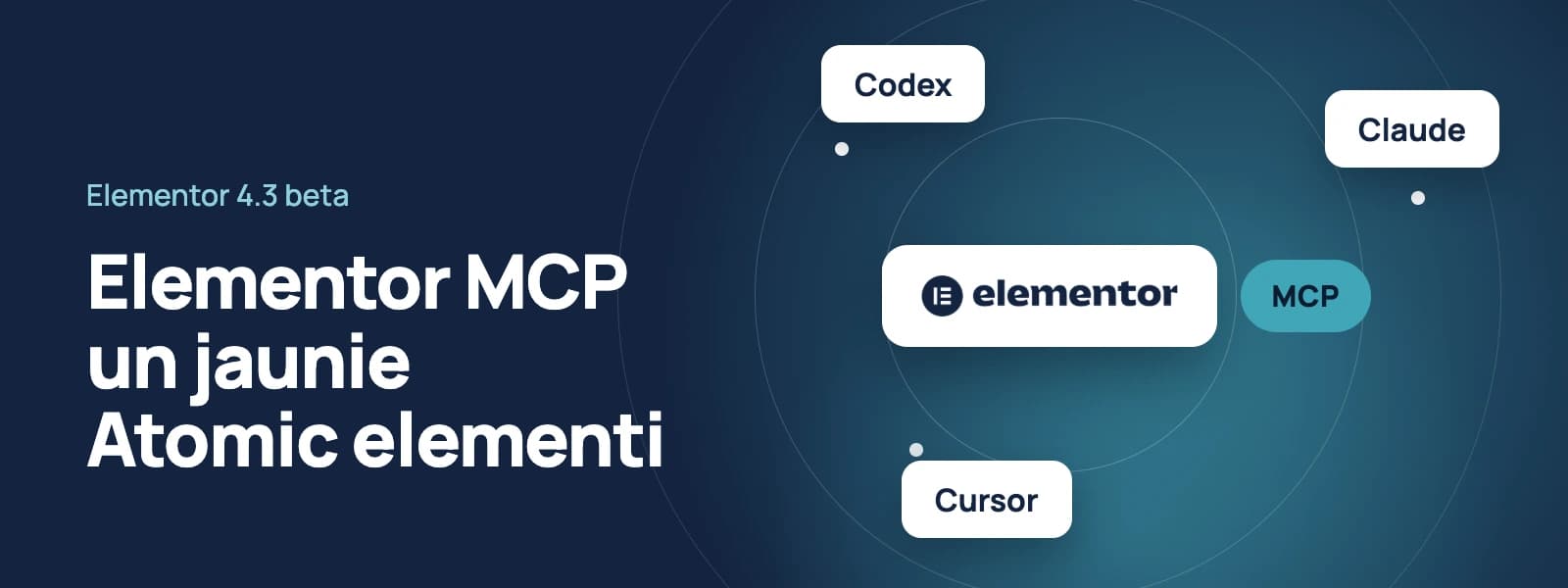
In recent years, artificial intelligence has transformed how we write text, generate images, and code. However, in the visual website builder space, AI has largely been limited to simple text generation or selecting individual images. Elementor's official announcement of v4.3 Beta and MCP (Model Context Protocol) integration is fundamentally changing the rules of the game.
This is no longer just a story about a simple text plugin. It's the beginning of an era where AI tools become full-fledged co-authors, capable of understanding and building website structures directly within WordPress.
What is MCP and why is everyone talking about it?
Model Context Protocol (MCP) is an open standard that enables an artificial intelligence model to communicate securely with external systems, databases, and applications. For instance, if until now an AI tool (like Claude Code or Cursor) could only write HTML or CSS code and suggest copying it, with MCP mediation, AI can directly request and modify data within the Elementor system itself.
Elementor v4.3 Beta features a built-in support interface based on the WebMCP standard. In practice, this means a developer can open their favorite AI terminal or code editor, connect it to a WordPress page, and issue commands through natural conversation.
AI will no longer provide generic advice. It will independently open the page, create necessary blocks, arrange spacing, apply global styles, and save changes.
A universal tool for both free and Pro users
One of the most pleasant aspects of the announcement is the Elementor team's decision to provide MCP functionality in the free plugin version as well. The difference lies only in what elements and system levels AI can manage.
Free version capabilities
Users can leverage AI to significantly accelerate everyday work on standard sections. AI can create page structure, apply free widgets (text, headings, buttons, images), and work with the new design system, assigning global classes and variables to elements.
Pro version capabilities
Pro license owners gain access to the full website architecture automation cycle. With AI assistance, you can create and configure:
Theme Builder templates: headers, footers, and post templates.
Display Conditions: instructing AI which pages or categories a specific template should apply to.
Popups: fully customized and programmed for intelligent display logic.
All Pro widgets: from form builders to dynamic lists.
New design architecture: Atomic Accordion and background video
While MCP attracts the most attention, Elementor v4.3 Beta also includes significant improvements to the builder's foundation itself.
Developers continue a gradual transition to what's called the Atomic element architecture. In this version, the Accordion element has received updates. The new approach allows each accordion section (heading, content field, icon) to be treated as a separate, independent structural unit. This provides unlimited design customization possibilities and significantly reduces unnecessary HTML code, which positively impacts page load speed.
Support for dynamic background video has also been improved, making it easier to connect video sources from custom data fields (ACF or Meta Box).
How work with Elementor MCP actually happens in practice
The testing process is designed to be intuitive, allowing developers of any skill level to try it out.
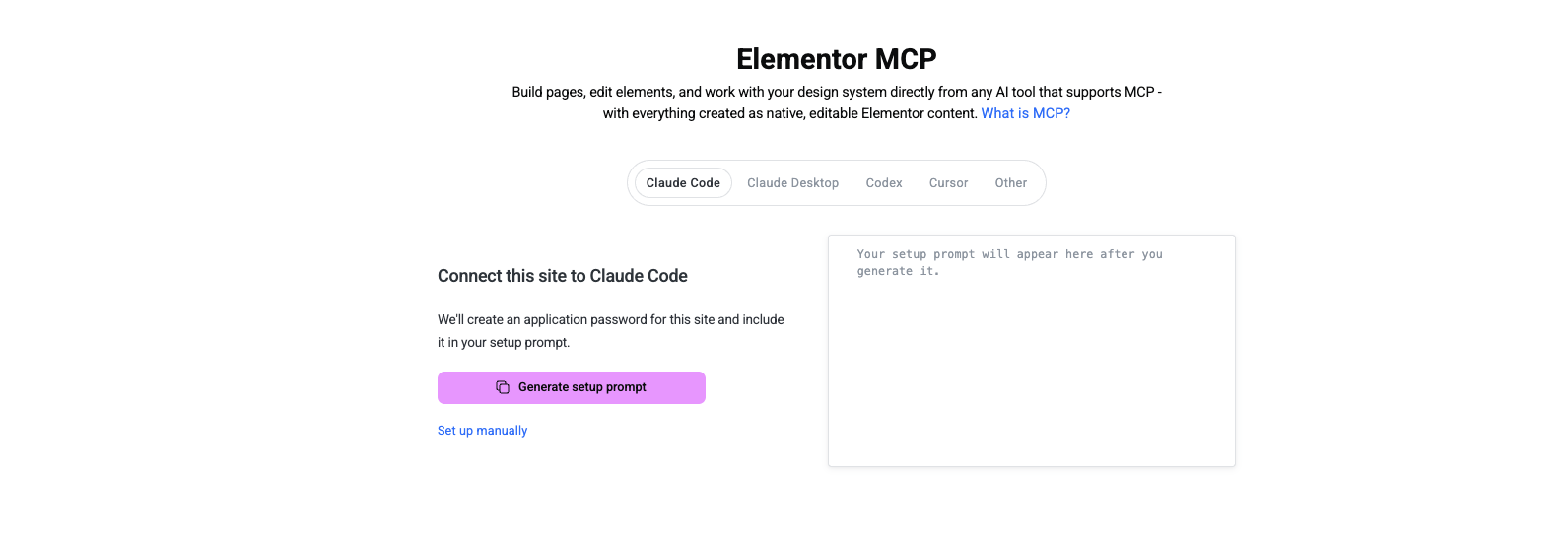
Setup: In the WordPress dashboard, navigate to
Elementor > Elementor MCP.Authorization: Select your AI environment (for example, Claude Code, Cursor, or Codex) and generate a unique connection instruction.
Connection: Paste the instruction into your AI tool, which then establishes a secure channel with your WordPress site.
Task Assignment: You can give a command such as: "Create a new homepage with a modern Hero section, using blue color accents, a large heading, description, and two buttons in a side-by-side layout."
Result Review: When you open the page in the Elementor editor, all generated elements are fully editable, native Elementor blocks.
Refinement and Design Systems: Next, you can ask AI to add global CSS classes, adjust spacing across the entire page, or create reusable components.
Key Security Guidelines for Testing
Since v4.3 is currently in public Beta testing, Elementor developers emphasize several security requirements.
Do not install on production (live) sites: Beta versions may contain inaccuracies or bugs that could affect your client's live website performance.
Use a staging environment: It's best to create a duplicate locally or on a test server.
Provide feedback: If you encounter errors during code generation, users are encouraged to report them in the official GitHub discussions forum.
For more detailed information and technical documentation about this update, visit the Elementor GitHub discussions forum.


Ready to start your project?
Tell us about your idea — we'll email you a proposed time for a video call to discuss the details and prepare a quote.